Skip to content

How to manually update Toby?

Update Toby on Google Chrome

1. Type "chrome://extensions/" into the Google Chrome URL bar
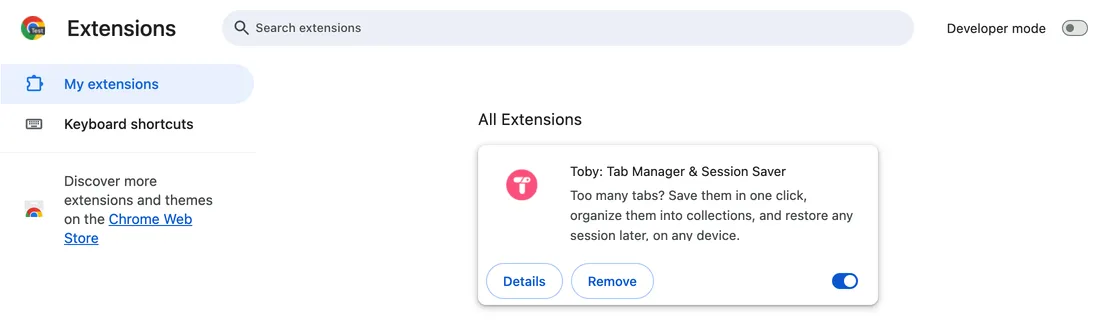
The Chrome Extensions page that chrome://extensions opens, with Toby listed

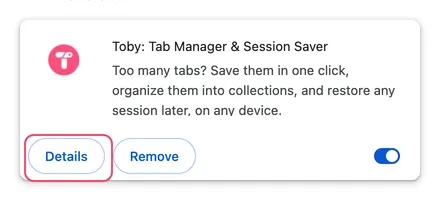
2. Find Toby and click "Details"

The Toby: Tab Manager and Session Saver card on the extensions page, with Details outlined

3. Turn on the "Developer mode" toggle
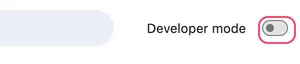
The Developer mode toggle at the top right of the extensions page, outlined

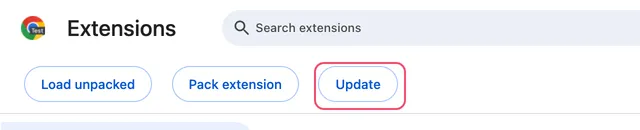
4. Click on the "Update" button

The Update button outlined, next to Load unpacked and Pack extension

5. Refresh Toby.

Open a new tab or refresh Toby. You're now up to date!