Toby Next
In this article
Next is your list of pages to get to soon, in the order you choose. Add tabs or collections, work through them, and check each one off when you're done.
Your Next list is only for you: other people in your workspace don't see it. Each workspace has its own list.
Add to Next
-
A tab: hover it and click the bookmark icon, Add to Next.
-
A collection: hover it and click its bookmark icon. Every tab in the collection is added as its own item.
-
The page you're on: click the Toby icon in Chrome's toolbar, open Next and click Add current open tab.
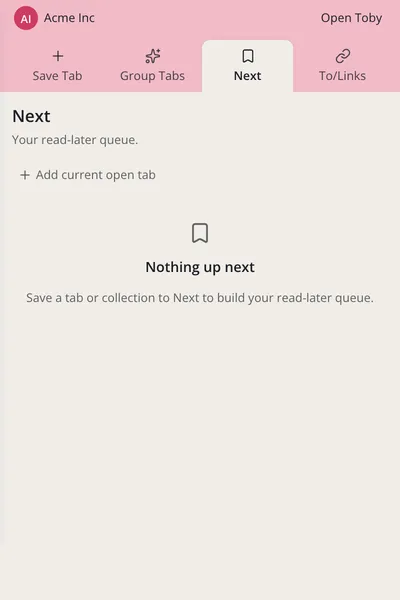
The bookmark fills in once something is in Next. Click it again to take it out.
Work through your list
Click Next in the left sidebar.
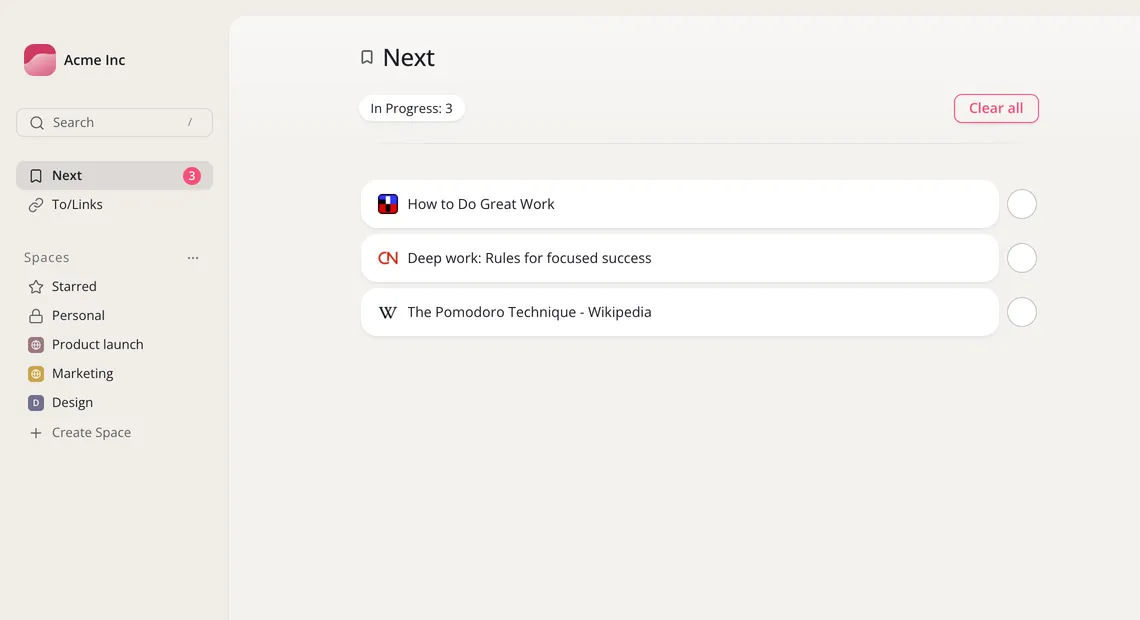
- Hover an item and click Open to open the page, or Take me to collection to find it in Toby.
- Drag items to put them in the order you want.
- Click the round button beside an item when you're done. It leaves the list.
- Clear all empties the list.