Starred Collections
In this article
Star the collections you use most, and find them all in one place. A collection you star stays in its own Space too.
Stars are only for you: starring a collection doesn't change it for anyone else in your workspace.
Star a collection
-
Hover the collection and click its ··· menu.
-
Click Star.
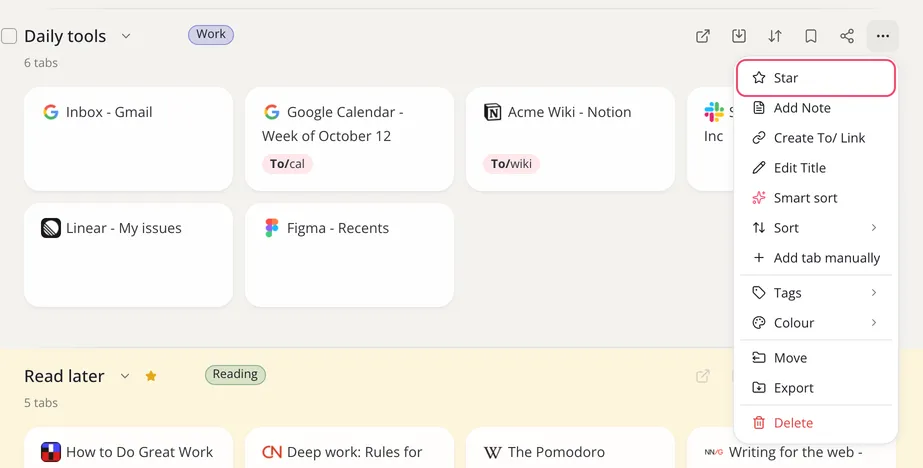
A gold star shows next to the collection's name. To see all your starred collections, click Starred in the left sidebar. It lists the starred collections from every Space in the workspace you're in. You'll also find Starred in the extension menu, when you save a tab.
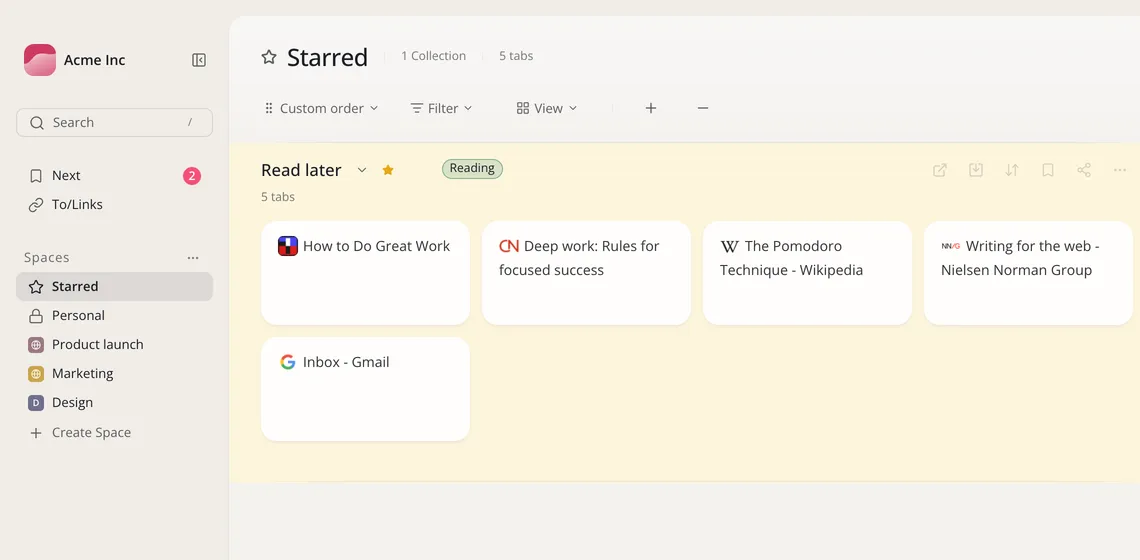
To remove the star, open the ··· menu again and click Unstar.