Dark Mode
In this article
Dark mode gives Toby a dark color scheme. It's easier on the eyes in low light, or simply nicer if you prefer it. You can also let Toby follow your browser or computer's light or dark setting.
Turn on dark mode
-
Click Settings at the bottom of the left sidebar.
-
Under Account, click Preferences.
-
Under Appearance, turn on Dark Mode. Or turn on Auto Theme with Browser to match your browser's light or dark setting.
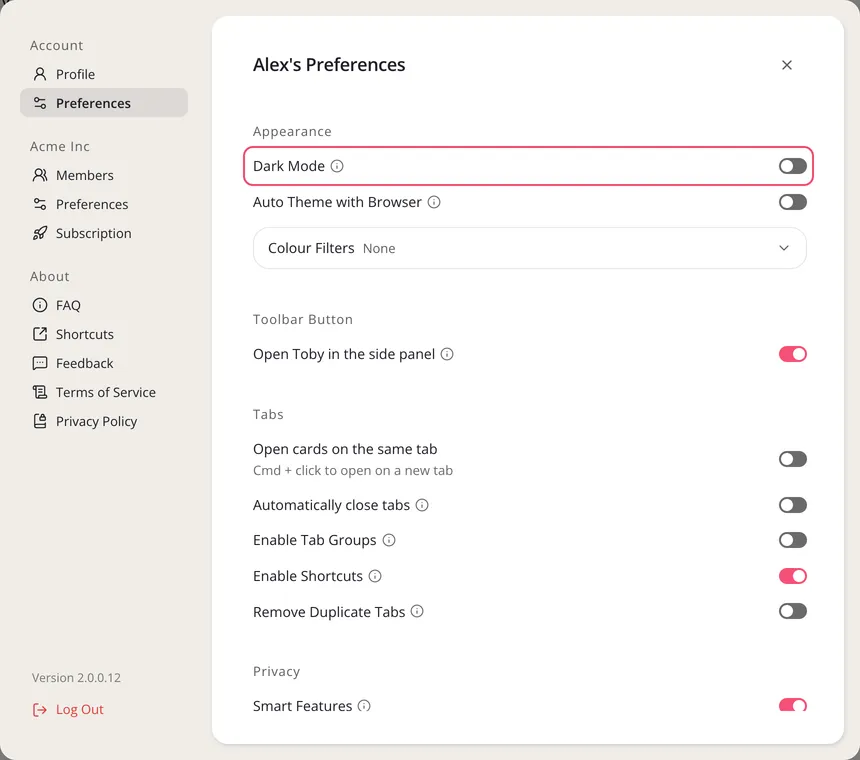
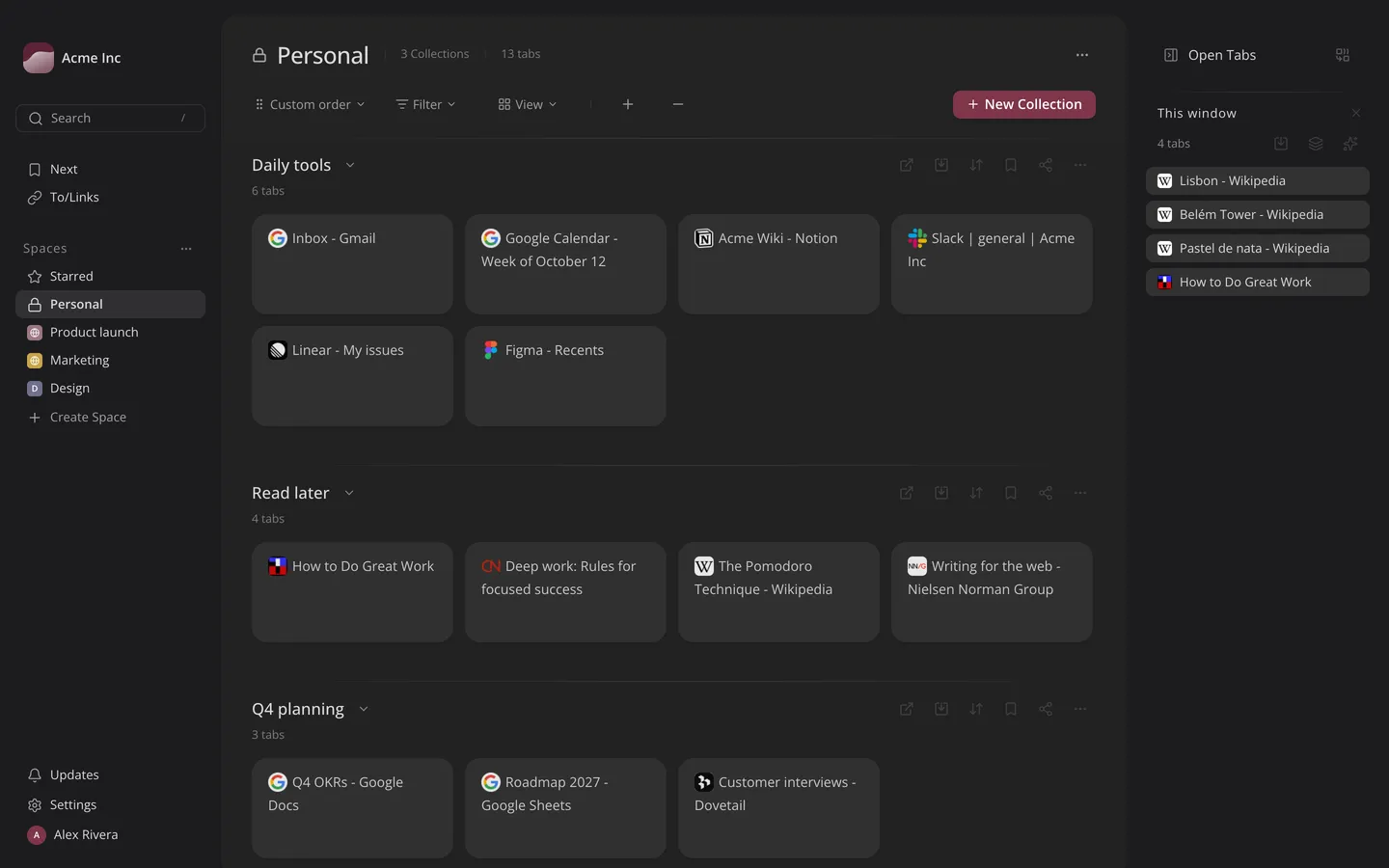
While Auto Theme with Browser is on, Dark Mode is greyed out.
Dark mode works with every color theme. To change Toby's colors, see How to change themes.