How to keep tabs open after adding to a collection?
In this article
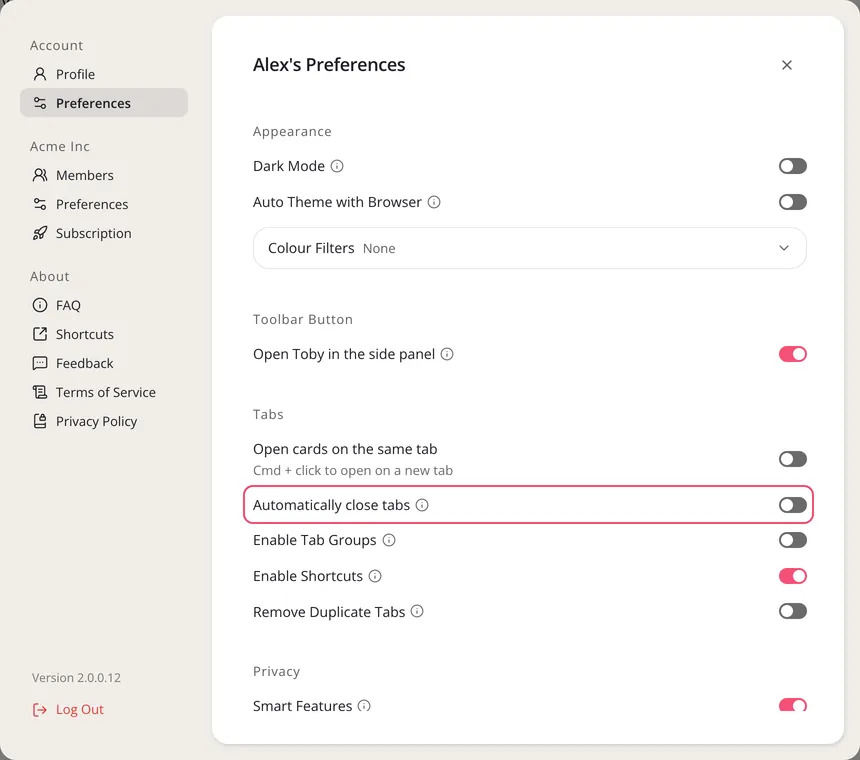
When you save tabs into a collection, Toby can close them for you or leave them open. That's the Automatically close tabs setting. To keep your tabs open, make sure it's off.
Keep saved tabs open
-
Click Settings at the bottom of the left sidebar.
-
Under Account, click Preferences.
-
Under Tabs, turn off Automatically close tabs.
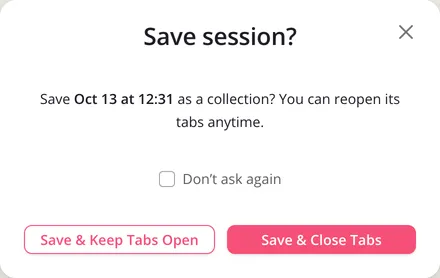
When you save a session, Toby asks whether to Save & Close Tabs or Save & Keep Tabs Open. If you tick Don't ask again, the button you click sets this same setting. See Saving Session.