Upload a logo for your workspace
In this article
Give your workspace a logo so it's easy to spot. Only the Owner and Admins can change it. For your own profile picture, see Upload a profile picture.
Change your workspace logo
-
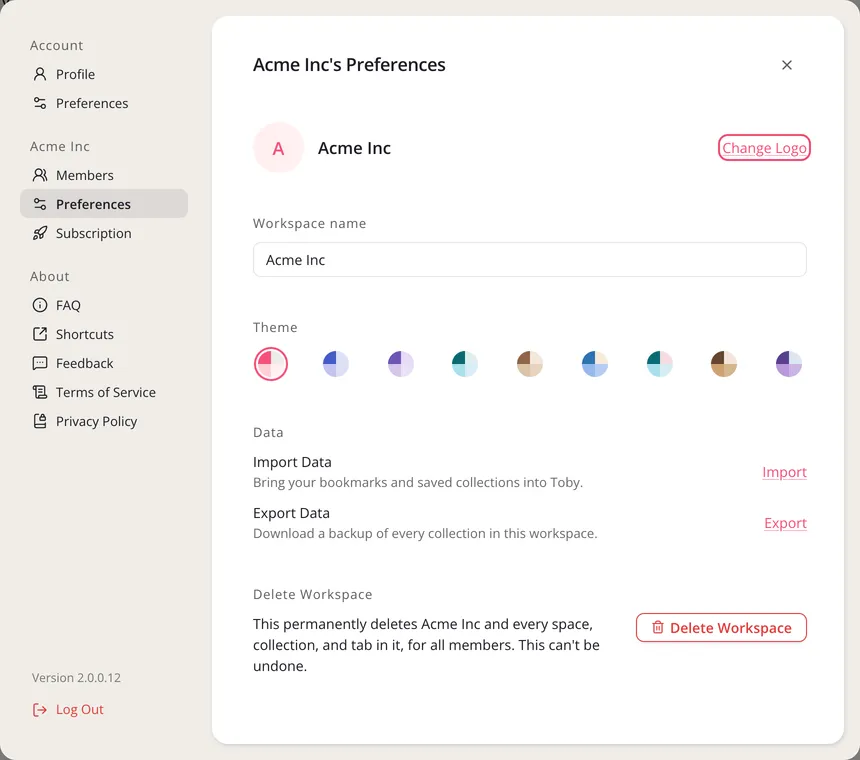
Click Settings at the bottom of the left sidebar.
-
Under your workspace's name, click Preferences.
-
Click Change Logo.
-
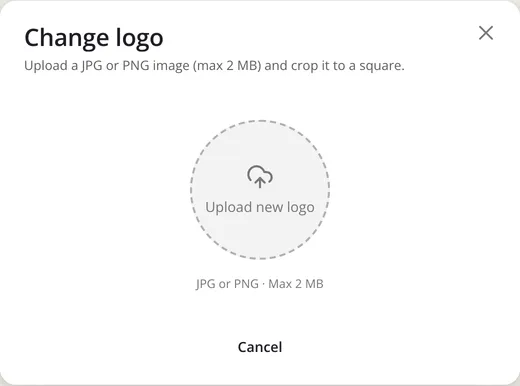
Click Upload new logo, or drag an image onto it. Use a JPG or PNG under 2 MB.
-
Drag and zoom to frame it, then click Update.
Your logo shows in the workspace menu at the top left. To take it down, open Change Logo again and click Remove current logo.