How to reset your password in Toby?
In this article
TL;DR:
- Make sure to use the email address tied to your Toby account
- The reset password link you will receive by email is only valid once and for 60 minutes
- Make sure your password is at least 6 characters long
Already signed in and know your current password? Click Settings, then Profile, and click Change next to Password.
How to reset your password
- Step 1: Request a new password
- Step 2: Enter your email
- Step 3: Open the reset password email
- Step 4: Enter a new password for your Toby account
- Step 5: Celebrate!
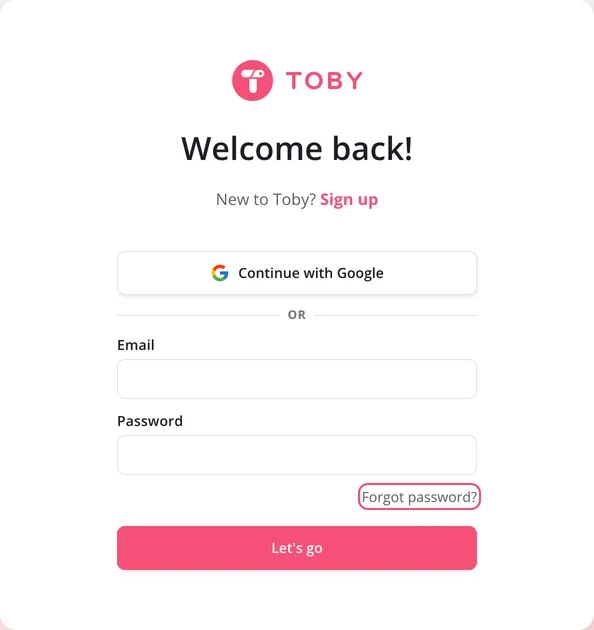
Step 1: Request a new password
- On the login screen, click the "Forgot password?" link
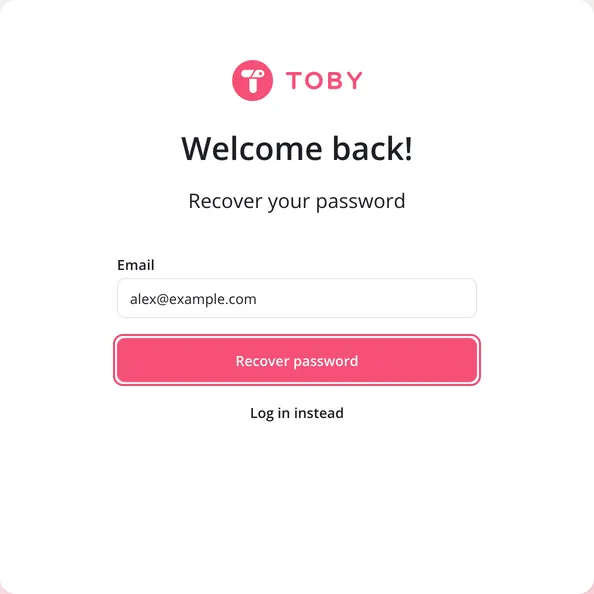
Step 2: Enter your email
- Enter the email linked to your Toby account and click "Recover Password"
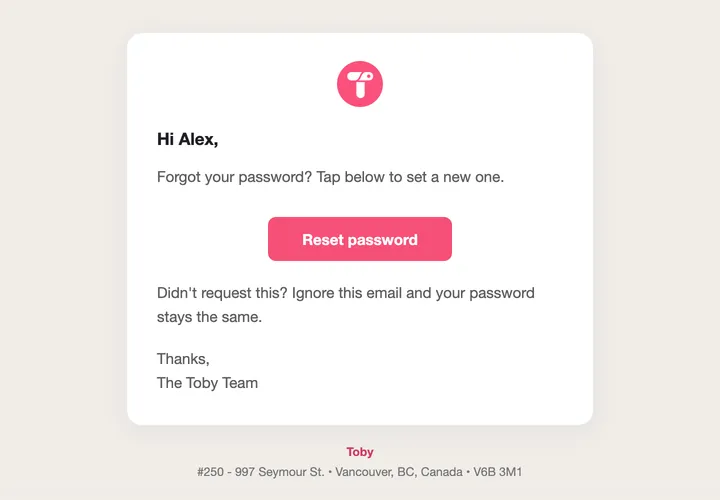
Step 3: Open the reset password email
- Go to your email inbox, open the "[Toby] Reset Password 🔐" email, and click on "Reset password"
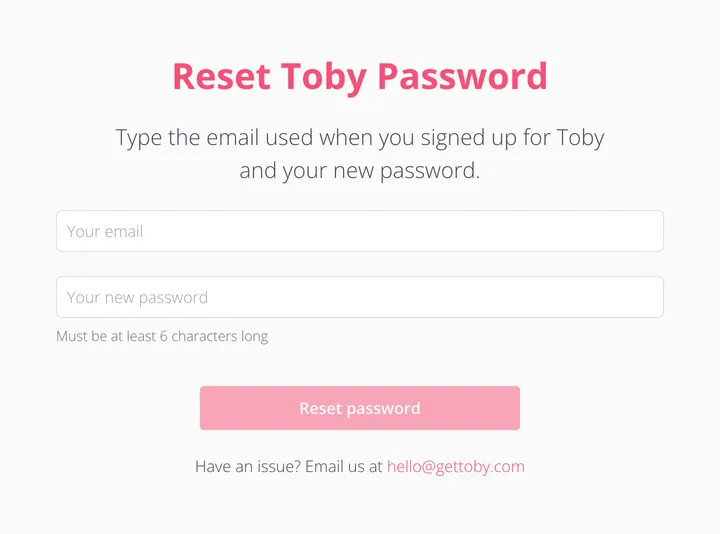
Step 4: Enter a new password for your Toby account
- In the newly opened tab, enter the email linked to your Toby account and a new password then click "Reset password". Note: your new password needs to be at least 6 characters long.
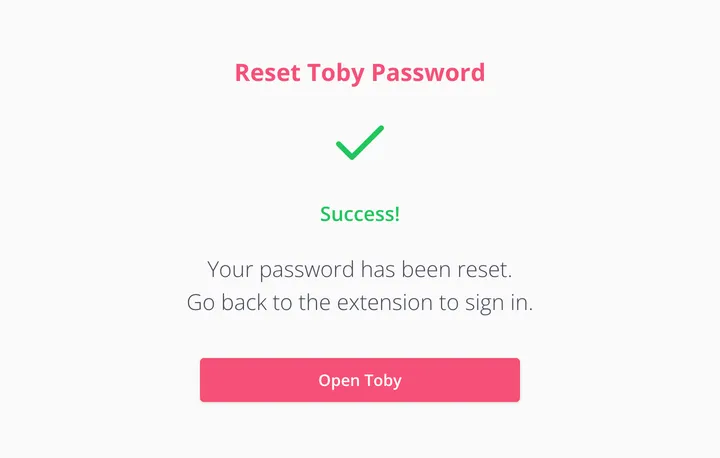
Step 5: Celebrate!
- You can now login into Toby! Woohoo!