I can't sign in or create an account?
In this article
If you can't sign in or create an account, these checks usually sort it out.
I have an account but I can't sign in
-
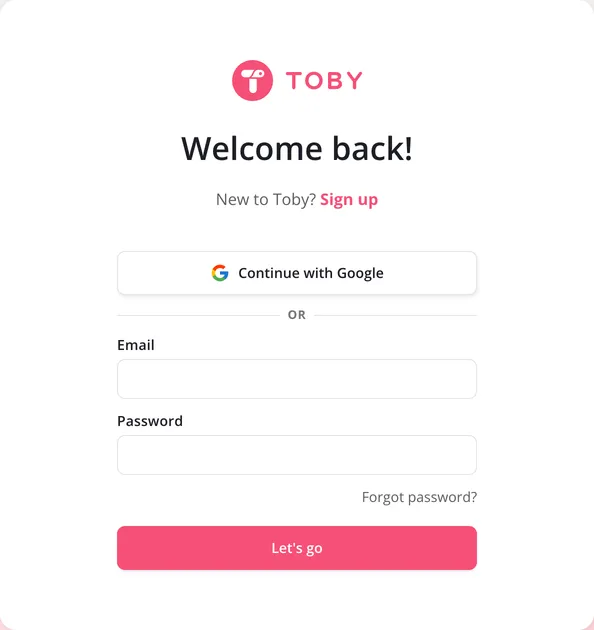
Make sure you're signing in, not creating a new account. The sign-in screen says Welcome back! and asks only for your email and password. If you see a sign-up screen instead, click Log in.
-
Check the spelling of your email, and your password. Forgotten it? Click Forgot password?, and see How to reset your password in Toby?
-
If you signed up with Google, click Continue with Google instead. See Google Sign-On.
-
An account has one email address. If you have more than one, try the others.
Incorrect email or password means either the email isn't recognised or the password is wrong.
I don't have an account
On the sign-up screen, click Continue with Google, or Continue with email and enter your name, email and a password. The password needs at least 8 characters. See How do I create a Toby account?
I can't create an account
If you can't create an account or sign in, you may be in a region our hosting provider doesn't serve. These include Crimea, Cuba, Iran, North Korea, Sudan and Syria. Toby is also blocked in Pakistan at the moment.
If you still want to access Toby, consider using a VPN.