Google Sign-On
In this article
You can sign in to Toby with your Google account instead of a Toby password.
-
On Toby's sign-in or sign-up screen, click Continue with Google.
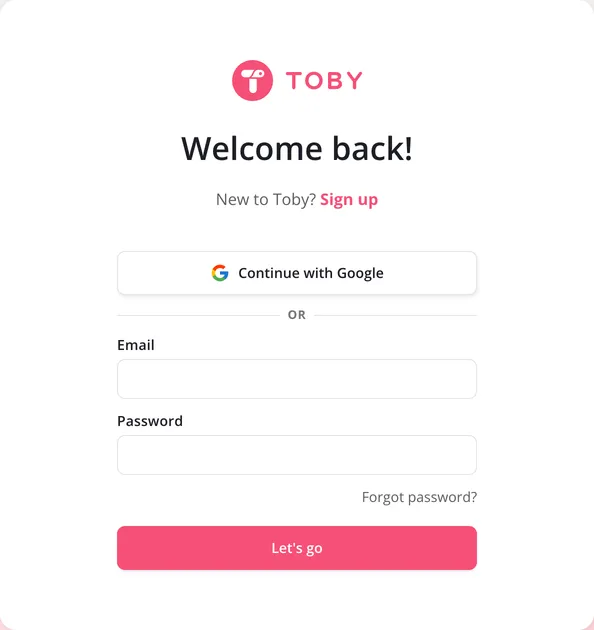
-
Pick your Google account, or sign in to Google if you aren't already.
That's it: you're in Toby. There's one less password to remember, and your Google account's own security, like two-step verification, protects your Toby sign-in too.
Changing your email
When you sign in with Google, your Toby email is your Google email. To use a different one, you disconnect your account from Google and create a password for Toby. Click Settings, then Profile, then Change next to Email, and Toby walks you through it. See How to change your email?